How to Collect Feedback on Video Edits (Without the Email Chaos)
We've all been there — you send a video cut to a client and the feedback trickles back in messy email threads. Here's how we fixed that for our own team, and how you can too.
We used to dread the feedback email
Let's be real — getting video feedback over email is painful. You send a cut, and the client replies with something like: "Around the middle, I think the transition is too fast." Which transition? At what second? It's a guessing game, and it wastes everyone's time.
We went through this exact struggle ourselves before building Synks. So we want to share what actually works.
Why email-based feedback falls apart
It's not that clients give bad feedback on purpose. It's that email just isn't designed for visual work:
- There are no timestamps. Clients describe moments as "near the beginning" or "somewhere in the second half."
- Feedback is scattered everywhere. Email, Slack, WhatsApp — good luck finding that one note from two weeks ago.
- Version confusion is constant. "Wait, are you looking at the latest version?" is a sentence nobody should have to say.
- Words can't describe visuals. Trying to explain a visual change in a text email is like giving directions without a map.
The fix: pin-accurate video feedback
Here's the approach that actually works — and the one we built Synks around.
Let reviewers click on the exact frame
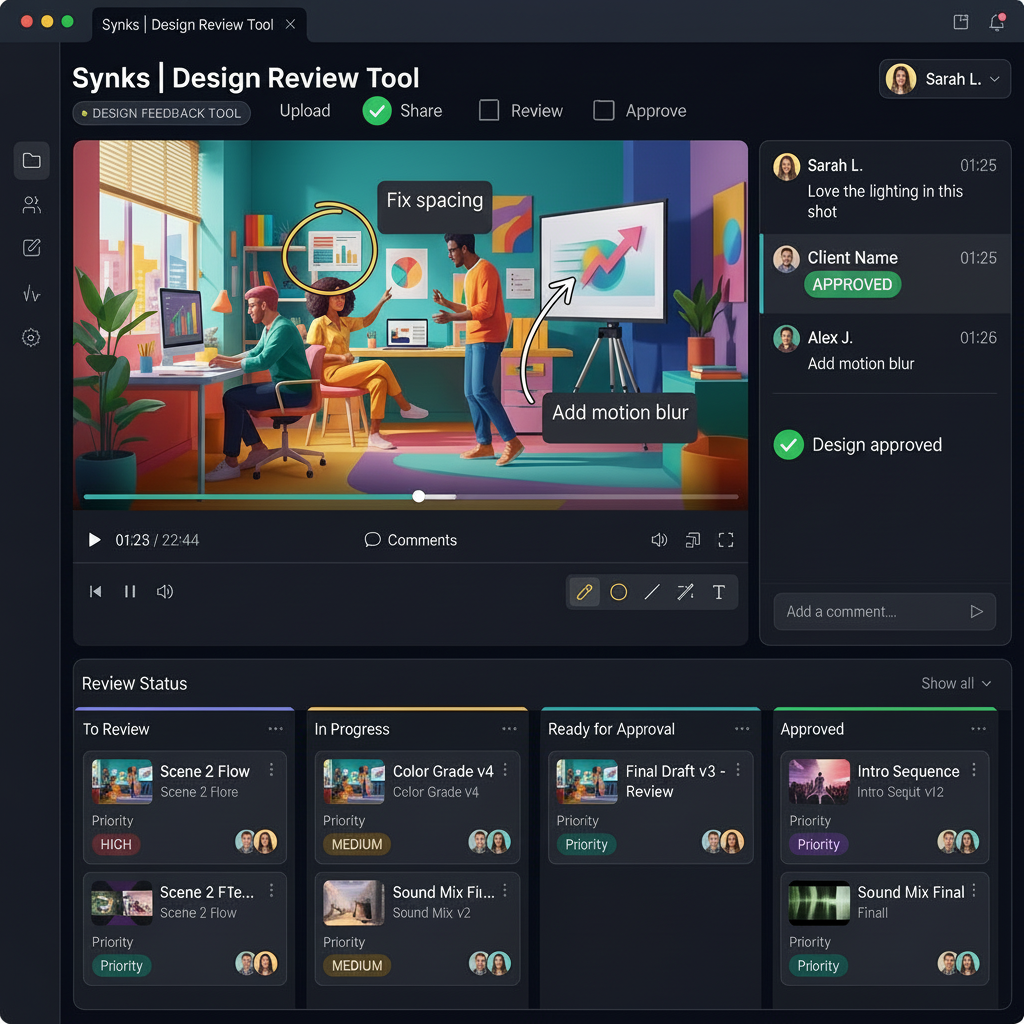
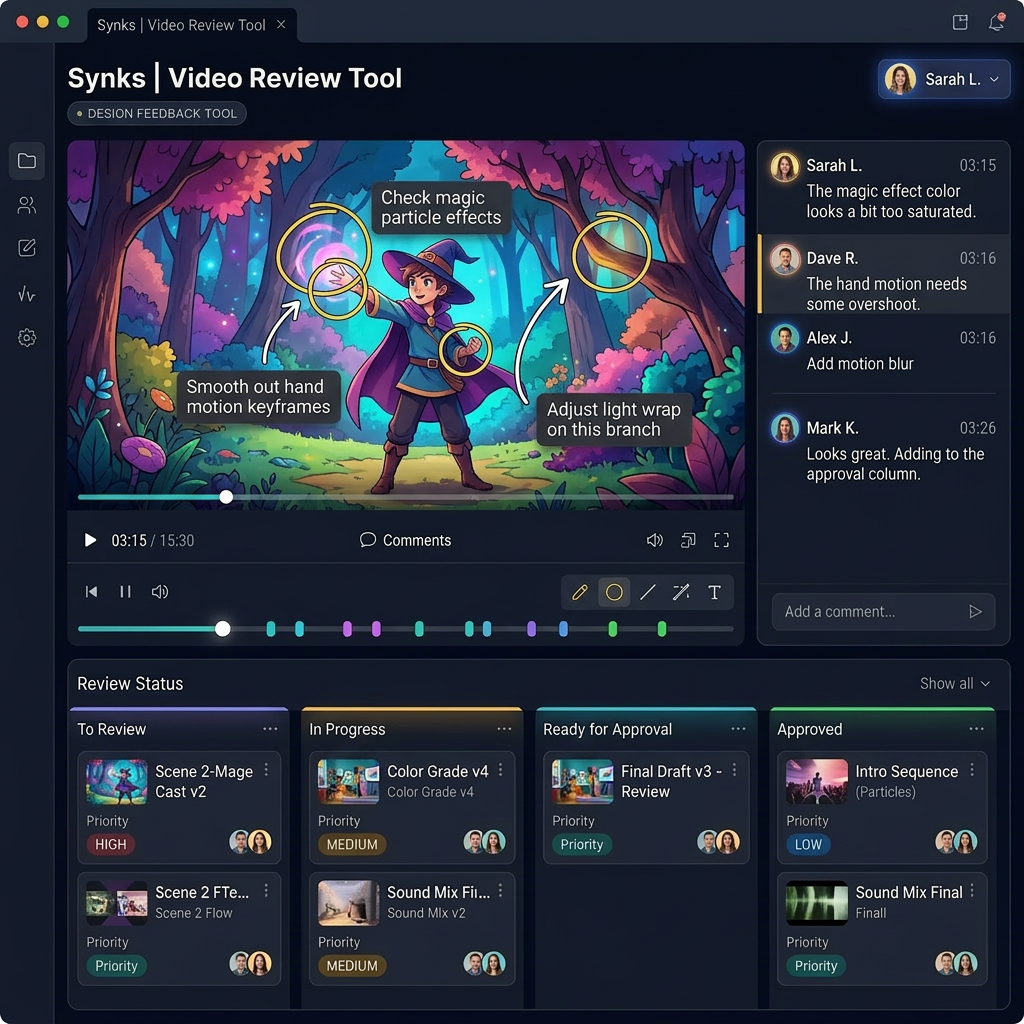
Instead of describing a moment in words, reviewers click directly on the video timeline. Their comment is automatically linked to that timecode, so the editor can jump straight to the right spot. No more guessing.
Let them draw on the frame
Sometimes pointing isn't enough. Reviewers can circle an object, draw an arrow to a specific area, or highlight a region directly on the video frame. That removes all ambiguity.
Keep discussions threaded
Each comment becomes its own little conversation. People can reply, discuss, and you can mark it resolved when it's done. Everything stays in context — no more digging through email chains.
Compare versions side-by-side
When you upload a new cut, reviewers can compare it against the previous version. They can see exactly what changed, and old feedback carries forward so nothing gets forgotten.
How we set up our own video review workflow
This is literally how we work at Synks, and what we recommend to every team using the platform:
- Upload the video — we support all the major formats, so just drag and drop.
- Share a review link — the reviewer doesn't need an account. They just click and watch.
- Collect timestamped feedback — every comment is tied to a specific frame.
- Resolve comments as you work through each note.
- Upload the next version and keep going until everyone's happy.
Bonus: sync feedback straight to your editor
If you're working in After Effects or DaVinci Resolve, our NLE plugins let you pull review comments directly into your timeline as markers. No more switching between browser tabs and your editor. It's a genuine time-saver.
Wrapping up
We built this workflow because we were tired of the email chaos ourselves. If you're spending hours trying to figure out what clients mean in their feedback, give pin-accurate review a try. Your future self will thank you.
— The Synks Team
Ready to try Synks?
Start collecting visual feedback for free — no credit card required.
Get Started Free