Creative Project Management for Agencies: The Complete Guide
Creative projects aren't like software sprints. They need a different approach. Here's the workflow we've seen work best for agencies managing multiple clients.
Creative work doesn't fit neatly into Jira tickets
We've talked to a lot of agencies over the past year, and there's one thing almost everyone agrees on: standard project management tools weren't built for creative work.
Jira, Asana, Trello — they're great for software development and task tracking. But creative projects are different. The deliverables are visual. The feedback is subjective. The clients need access without being onboarded into your internal tools. And "I'll know it when I see it" is, unfortunately, a real brief.
What makes creative projects unique
Let's be specific about what's different:
- Feedback is subjective. There's no unit test for whether a logo "feels right."
- Iteration is the process. You don't ship a design once — you refine it through multiple rounds.
- Deliverables are visual. You can't describe a design in a Jira ticket and expect useful feedback.
- Clients are external. They need a simple way to review work without learning your internal tools.
- Files evolve. The question "which version is the latest?" shouldn't require a 10-minute investigation.
The creative project management stack
Over time, we've seen the most successful agencies build their workflow around these six pillars:
1. Feedback and approvals
This is the core of creative work. You need a place where clients can visually annotate designs, leave frame-accurate video comments, and formally approve deliverables. Not a comments section in Google Drive — a purpose-built review experience.
2. Project timelines
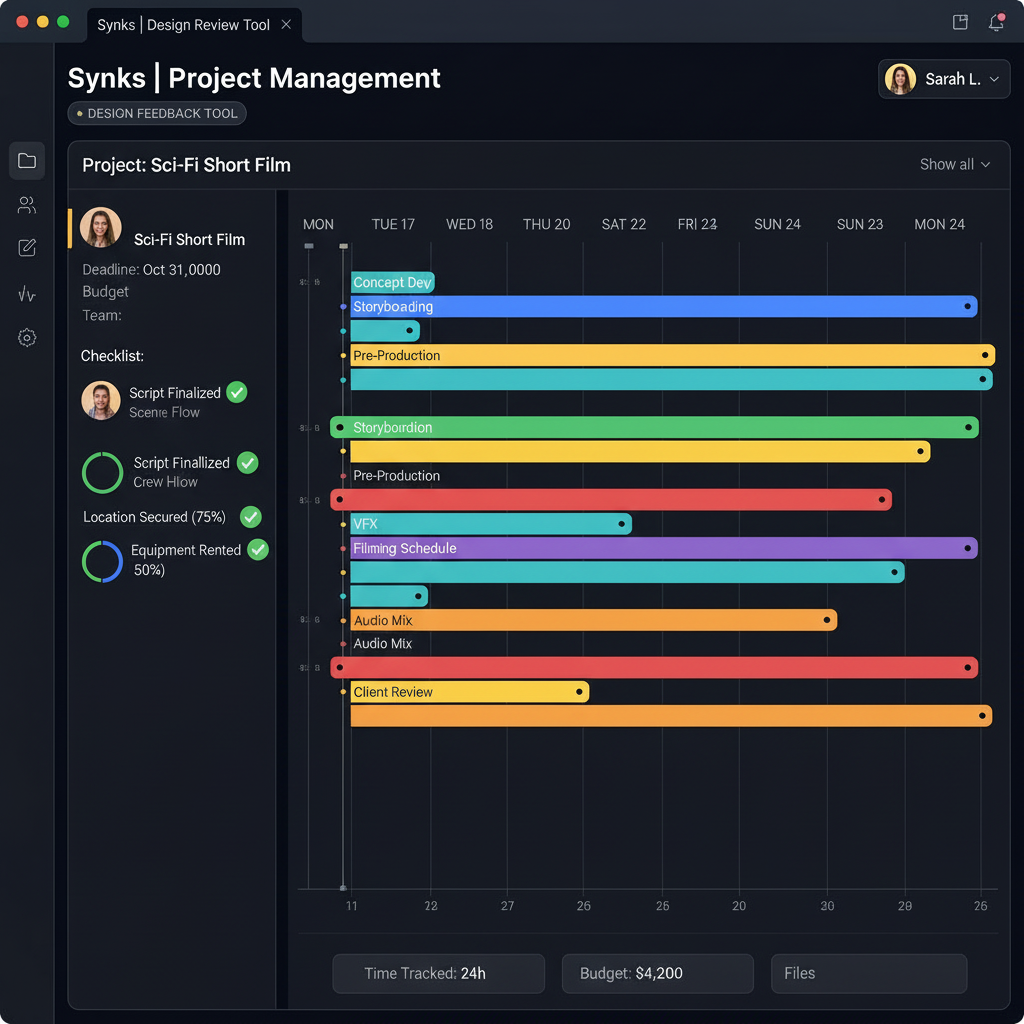
Gantt charts or timeline views that show task dependencies, deadlines, and milestones. When you're juggling 15 client projects at once, you need to see everything at a glance.
3. Time tracking
How long does each project actually take? How does that compare to what you quoted? Without time tracking, you're guessing — and usually undercharging.
4. Budget and revenue tracking
Track costs per deliverable, hourly rates, and project profitability. The agencies that thrive are the ones that know their numbers.
5. Team communication
Project-level chat, @mentions, file sharing — all in context. Not in a Slack channel that gets buried under 50 other conversations by lunchtime.
6. Integrations
Your project management tool should connect to where your team already works. Slack for notifications, Google Drive or Dropbox for files, Monday.com or ClickUp for task management.
Building the workflow, phase by phase
Here's how we see the best agencies structure their projects:
Phase 1: Brief and planning
Create the project, set deadlines, assign team members, and map out the timeline. This is where Gantt views really shine — especially for projects with multiple deliverables that depend on each other.
Phase 2: Creation and internal review
Upload work-in-progress files for internal team review. Use team-only comments to refine the work before showing it to the client. Catching issues early saves everyone time.
Phase 3: Client review
Share a review link with the client. They pin comments directly on the work, and you track approval status per file. No accounts, no passwords, no friction.
Phase 4: Revisions and delivery
Address the feedback, upload new versions, get final approval. Once everything is signed off, deliver the approved files via email or a download link.
Phase 5: Wrap-up
Log final time entries, compare budget vs. actuals, send invoices, and archive the project. It's the step most agencies skip — but it's how you learn to quote better next time.
The all-in-one approach
Some agencies use 5-6 separate tools to cover all of this. Others prefer platforms that combine feedback, project management, and communication in one place. We obviously built Synks to be the latter — but regardless of what you choose, the important thing is having a system that works for your team.
— The Synks Team
Ready to try Synks?
Start collecting visual feedback for free — no credit card required.
Get Started Free