Synks vs Filestage: Which Creative Review Tool Is Right for You?
We get asked about Filestage a lot. Here's an honest, side-by-side comparison — what each tool does well, where they differ, and how to choose.
An honest comparison
We're not going to pretend to be impartial — we built Synks, so obviously we think it's great. But we also respect what Filestage has built, and we know they're a solid option for certain workflows. Here's a genuine comparison to help you decide.
File type support
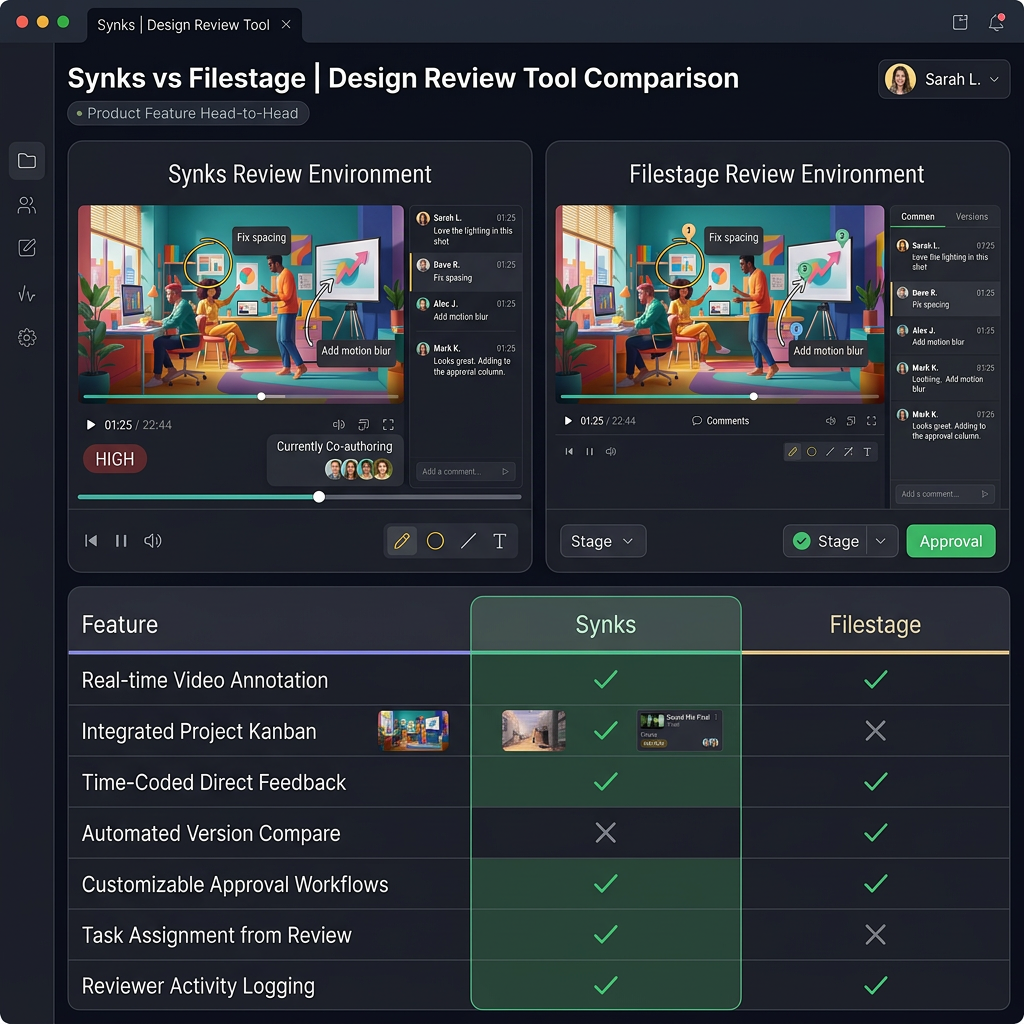
| File Type | Synks | Filestage | |-----------|-------|-----------| | Images | ✅ | ✅ | | Video | ✅ | ✅ | | PDF | ✅ | ✅ | | 3D Models | ✅ | ❌ | | Live Websites | ✅ | ❌ | | Audio | ✅ | ✅ | | Figma import | ✅ | ❌ |
If you work exclusively with images, video, and PDFs, both tools have you covered. If you also need 3D model review or live website feedback, that's where Synks offers something Filestage doesn't.
Project management
This is probably the biggest difference. Synks includes a full project management suite built right in: Gantt timelines, time tracking, budgets, invoicing, checklists, and team chat. Filestage focuses purely on the review and approval workflow — which is great if that's all you need, but it means your project management lives in a separate tool.
Integrations
Both tools offer Slack and Microsoft Teams integrations. Synks goes further with Google Drive, Dropbox, Monday.com, ClickUp, Discord, Gmail, Outlook, and Google Calendar — some with full two-way sync.
NLE plugins
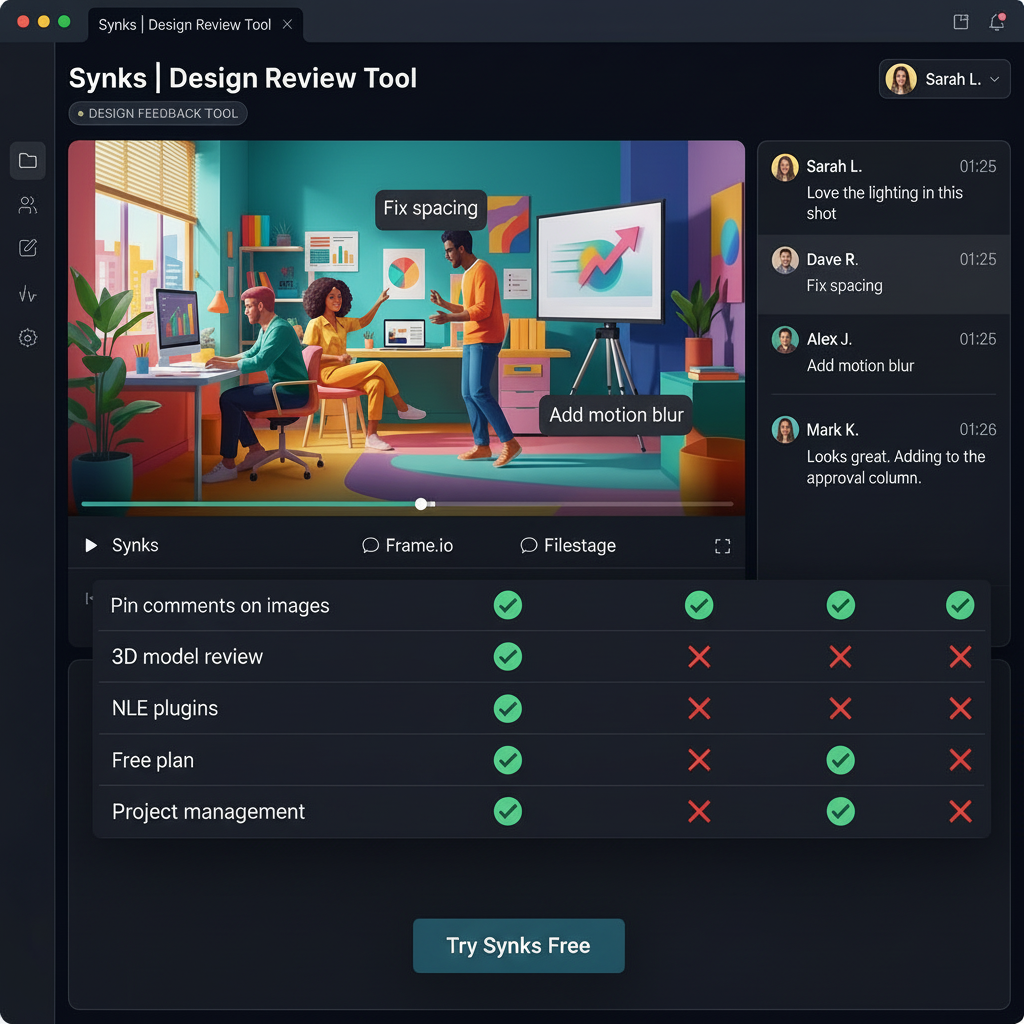
Synks has plugins for After Effects, Photoshop, Illustrator, and DaVinci Resolve that sync review comments directly into your editor. Filestage doesn't offer this.
Pricing
Both platforms offer free plans. Synks' paid tiers are Creator ($9/mo), Team ($24/mo), and Agency ($59/mo), with annual discounts available. Filestage's paid plans tend to start at a higher price point.
When Filestage might be the better choice
- Your workflow is purely review and approval — you don't need project management.
- You don't work with 3D models or websites.
- You value Filestage's workflow automation features.
When Synks is likely a better fit
- You want review and project management in one platform.
- You work with 3D models, websites, or Figma files.
- You want NLE plugins for your editing software.
- You need deep integrations with Google Drive, Monday.com, or similar tools.
- You want a free plan with unlimited reviewers.
We're not going to tell you Synks is better for everyone — but for teams that want an all-in-one creative workflow platform, it's what we built.
— The Synks Team
Ready to try Synks?
Start collecting visual feedback for free — no credit card required.
Get Started Free